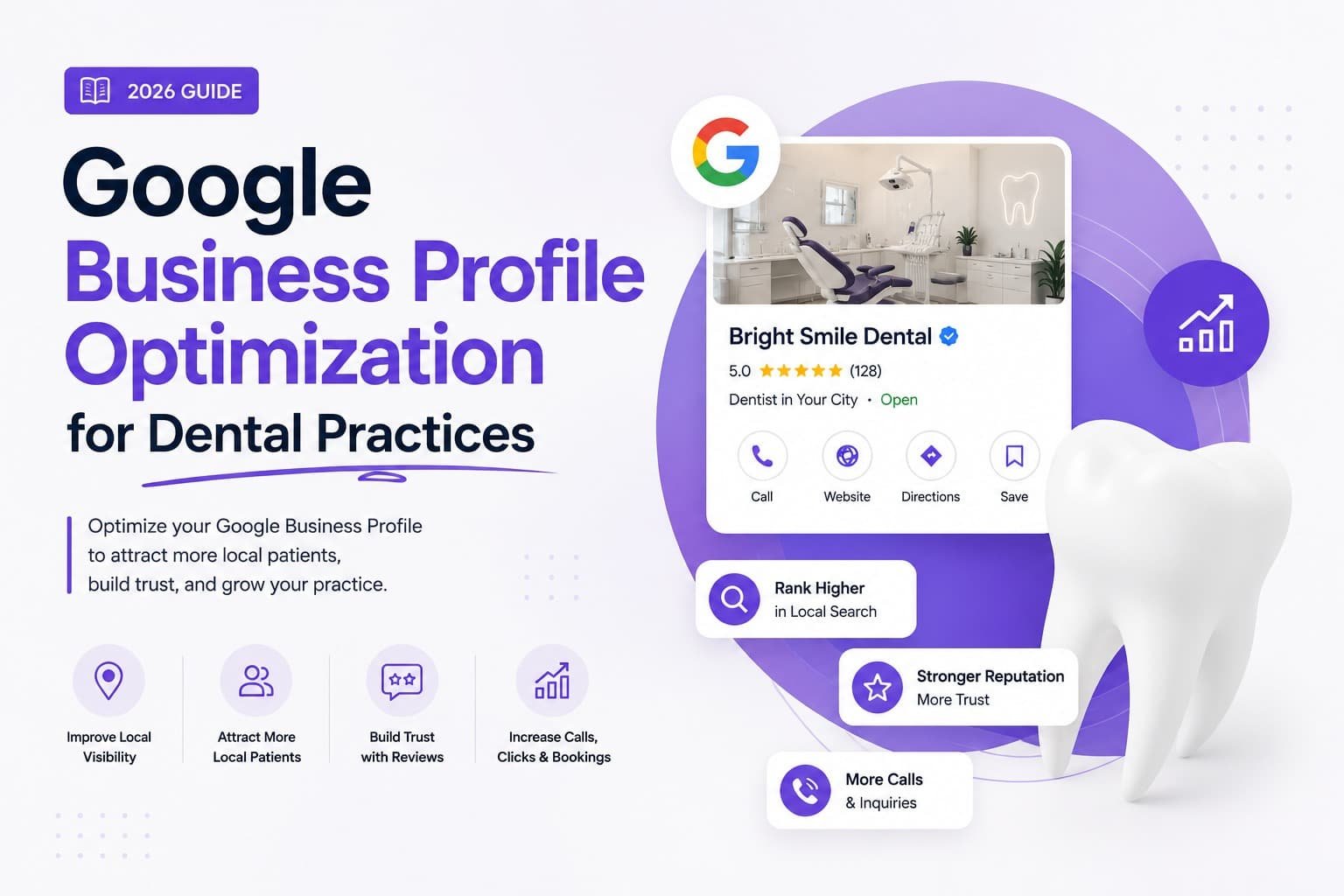
Optimizing a dental Google Business Profile means setting the most specific accurate primary category, filling out every field (services, insurance, appointment link), keeping your name, address, and phone number identical everywhere, building a steady stream of reviews you actually respond to, and staying active with real photos and weekly posts. Most dental practices have a profile. Very few have done all of that, and it’s the difference between showing up in the Map Pack and getting skipped by patients who never make it to your website at all.
A patient searching “dentist near me” skims three listings, reads a couple of reviews, checks the hours, and taps Call, often without visiting your site. The practices that fill their schedules from Google Maps aren’t doing anything unusual. They’ve just stopped treating the profile as something they set up once and forgot, and started managing it like an acquisition channel. Here’s what to change, organized around three things: getting ranked, getting chosen, and keeping it working.
Key Takeaways
- Your primary category decides which searches you’re even eligible for. A specialty practice should often lead with the specialty, not just “Dentist.”
- The profile functions as a conversion funnel. An appointment link, insurance info, and real photos matter as much as ranking settings do.
- Reviews are the first filter most patients apply, and a low star rating or a thin review count knocks a lot of practices out before they’re even considered.
- A profile is never finished. Weekly posts, review responses, and a quarterly check keep it working.
- Frequent category or address edits are a common suspension trigger, so change things deliberately and keep documentation on hand.
Part 1: Getting Ranked
What’s the best primary category for a dental Google Business Profile?
“Dentist” is correct for a general practice, since it’s what surfaces you for “dentist near me.” But if a specialty drives your best patients, lead with that instead: Cosmetic Dentist for cosmetic-focused practices, Orthodontist for Invisalign and orthodontics, Pediatric Dentist for children’s care, the closest implant-specific category for implant work, or Emergency Dental Service for practices built around same-day care. A cosmetic practice using plain “Dentist” as its primary category is competing in a wider, less targeted pool and missing the higher-intent searches it should be winning. Add secondary categories, up to nine, for everything else you genuinely offer, and only what’s actually true. Padding the list with services you don’t provide risks a suspension.
Why does the Services section matter?
Because it’s one of the most underused fields on the profile, and Google uses it to match you to specific patient searches. Add an entry for every treatment you offer, cleanings, fillings, crowns, implants, Invisalign, veneers, root canals, emergency visits, pediatric care, each with a short, plain description. A thin services list quietly narrows how many searches you’re eligible for.
Should a dental practice show its exact address?
Yes, and this is where dental advice diverges from a lot of local SEO guidance. A plumber might hide their address and list a service area; a dental practice is a place patients physically travel to, so the real address should be visible, and it directly affects your ranking for nearby searches. That means your address has to match your website and every other listing exactly, and your hours, regular and holiday, have to stay accurate. A patient hitting a “closed” sign after Google told them you were open damages trust with the patient and with the algorithm.
What is NAP consistency and why does it matter?
NAP means Name, Address, Phone, and it needs to be identical across your website, your Google Business Profile, Healthgrades, Zocdoc, Yelp, and any older directory listing still floating around. When Google finds “Smith Family Dental” in one place and “Smith Family Dentistry” in another, or two different phone numbers, it loses confidence in the listing and can suppress your ranking. Most practices have a few of these mismatches without knowing it, so an audit here is often the highest-impact place to start. While you’re checking, look for duplicate listings tied to an old address or a previous business name. Duplicate pins confuse both Google and patients.
Part 2: Getting Chosen
Ranking gets you seen. What happens next depends on whether the patient looking at your profile actually books, because a profile that ranks but doesn’t convert just sends business to whoever’s listed next to you.
How many Google reviews does a dental practice need?
More than most practices currently have, and the ongoing pattern matters as much as the total. Reviews are the first filter patients apply, and practices with a strong, recent review base consistently beat out practices with a handful of old ones, even when those older reviews are all five stars. Google also weighs how steadily new reviews come in and how consistently you respond to them, so a one-time push isn’t enough. Build a repeatable habit instead: a short text or email sent within about an hour of the appointment, while the patient still feels good about the visit, with a direct link to your Google review page.
A request script that works, adapted to your own voice:
“Hi [Patient Name], it was great seeing you today! If you’re happy with your visit, a quick Google review would mean a lot and helps other local families find us. Here’s the link: [direct link]. Thank you!”
Two things to watch for: don’t request reviews in large batches, since a sudden spike can look suspicious to Google, and remember patients often cross-check Healthgrades, Zocdoc, and Yelp too, so keep those profiles accurate as well.
Do real photos actually make a difference?
Yes, noticeably. Upload genuine photos of your exterior, reception area, operatories, and team, never stock. Patients want to see the actual office and the people who’ll treat them before they book, and a gallery that looks current and real gets more engagement than one that’s technically complete but stale. Add new photos on a regular basis rather than uploading a batch once and moving on.
Which profile fields actually convert hesitant patients?
Three of them do most of the work. Insurance accepted matters because patients search “dentist that takes [insurance] near me,” so listing your plans is both a visibility and a conversion win. Attributes, things like accessibility, languages spoken, amenities, and identity attributes such as women-owned, let the right patients self-select before they even call. And an appointment link turns a ready patient into a booking without them needing to pick up the phone at all, which is one of the fastest conversion improvements available on the whole profile.
What is the Products section for?
It’s a second door into your services. Feature key treatments, Invisalign, dental implants, cosmetic dentistry, TMJ treatment, each with an image, a short description, and a direct link to the matching page on your website. A patient who spots a service on your profile can reach the full page on your site in a single tap, and it gives Google more context about what you actually offer.
What should the business description say?
Write it for the patient reading it, not for the algorithm. You get 750 characters, Google has confirmed the description isn’t a ranking factor, so use plain, declarative sentences that lead with your main services and city. Something like: “We provide gentle family and cosmetic dentistry in [City], including Invisalign, implants, and same-day emergency care.” Skip the keyword stuffing. It reads badly and does nothing for your rank.
Part 3: Keeping It Working
A profile is never finished. The practices that stay visible in the Map Pack are the ones that keep theirs active.
Post weekly. Google Posts expire after seven days, and practices that post consistently tend to see more engagement from their profile over time. Rotate through service highlights, seasonal reminders, team news, and short educational tips. It signals to Google, and to patients, that the practice is active.
Answer your own Q&A. Most practices don’t realize they can post and answer their own questions on the profile. Add the ones patients actually ask, “Do you take [insurance]?”, “Do you see children?”, “Do you offer emergency appointments?”, “Where do I park?”, and answer them yourself, so the space fills with accurate information instead of sitting empty for a stranger to answer wrong.
Audit quarterly. Every three months, verify your hours, including upcoming holidays, confirm your details still match your website, check for new duplicate listings, and refresh your photos. Small drift here erodes trust slowly, and it’s easy to miss until a patient points it out.
Change things deliberately. Rapid category or address edits are a common trigger for suspension. When you do need to change something, do it thoughtfully, and keep documentation of your business details, signage photos, a utility bill, your lease, on hand in case Google asks for it. If your profile is ever suspended, don’t create a new one to start over. That usually makes recovery harder. Submit a reinstatement request through Google’s official process, from the same account that owns the profile.
The Biggest Mistakes Dental Practices Make
- Treating the profile as set-and-forget. An inactive listing slowly loses ground to active competitors.
- Using only “Dentist” as a category when a specialty is worth ranking for on its own.
- Wrong or missing hours, especially around holidays, which is a fast way to lose trust.
- Keyword-stuffing the business name, for example “Best Dentist [City],” which breaks Google’s rules and risks suspension.
- Ignoring reviews that are already sitting there unanswered, leaving both ranking value and patient trust on the table.
- Stock photos and a gallery that hasn’t been touched in years.
What This Looks Like Applied
[NEEDS REAL DATA: this section should walk through an actual client example, with the client’s permission, once real before-and-after numbers are available. Don’t publish placeholder or invented figures here.]