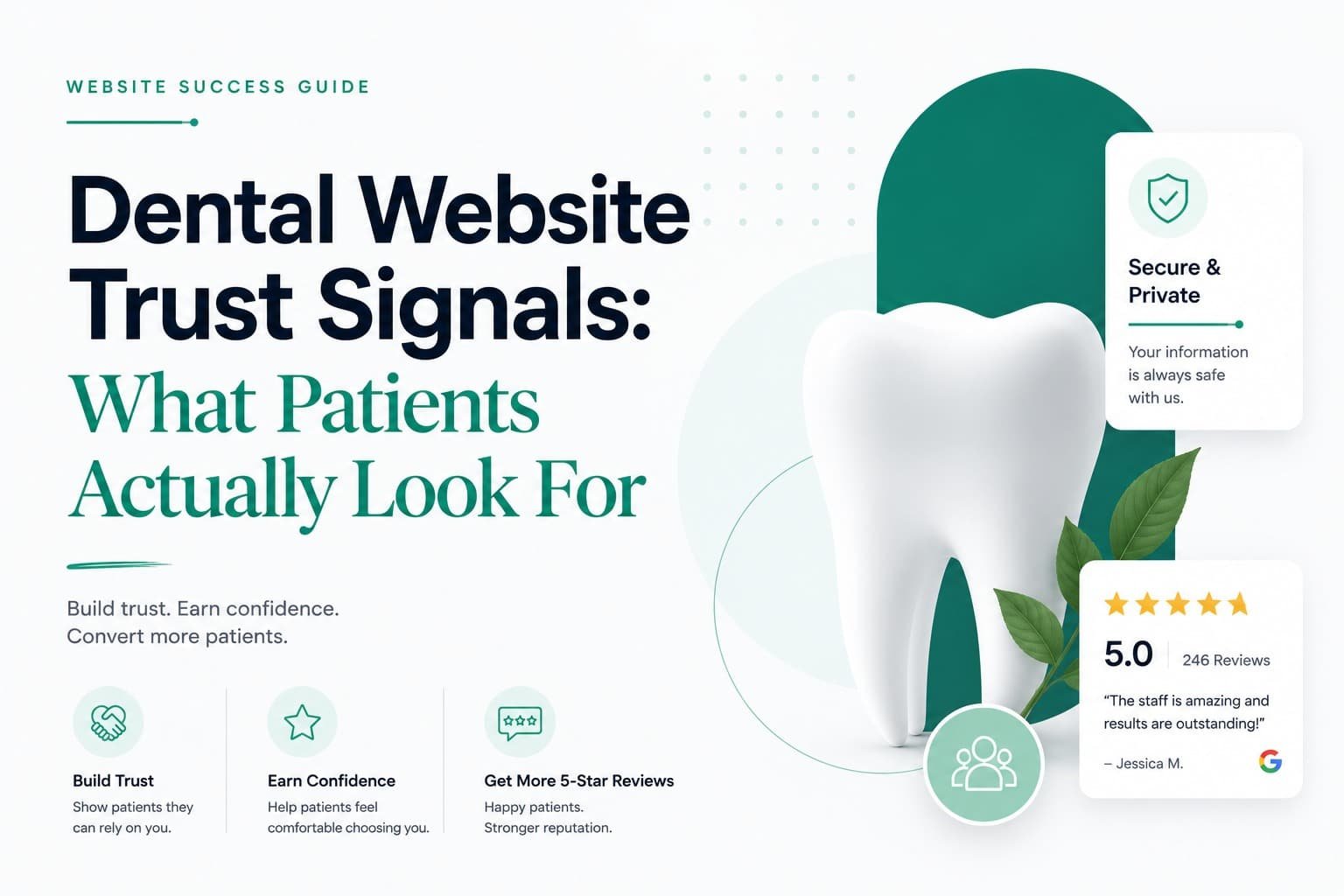
A nervous new patient lands on your website and starts scanning within seconds, hunting for reasons to book and reasons to click away. The sites that win aren’t the flashiest ones. They’re the ones that answer “can I trust this practice?” before the patient has to ask it out loud, through visible reviews, real photos, a face they can put to the name, and clear answers on insurance and pricing.
Key Takeaways
- Reviews are the first thing patients check, and often the first thing that rules a practice out.
- Real photos of your team and office do more work than any stock image ever will.
- Patients want to see the dentist before they book. A face and a short video accomplish that.
- Missing insurance information and stock photography are quiet trust-killers that cost bookings without you ever knowing why.
What Actually Builds Trust on a Dental Website
Do reviews matter that much for a dental practice?
Yes, more than almost anything else on the page. Most patients read reviews before picking a dentist, and a practice sitting below 4 stars gets skipped by a large share of them without a second look. Put your Google rating somewhere visible on the homepage, not buried on a separate page, and feature reviews that name something specific. “They were so gentle with my dental anxiety” books an appointment. “Great service” gets scrolled past.
Why do real photos outperform stock images?
Because patients can spot a stock photo in about two seconds, and it tells them the website was built cheaply and in a hurry. Photos of your actual team, your real reception area, your operatories, all of it signals a practice that exists, is local, and takes its own presentation seriously. That’s worth more than a polished stranger’s fake smile.
Should patients see the dentist’s face before they book?
Yes, ideally with a short video, not just a headshot. People are handing their comfort and sometimes their fear over to a stranger, and a warm photo with a brief bio takes the edge off. A 60-second introduction video, even one filmed simply on a phone, does more to lower first-visit anxiety than almost any other single element on the site.
How should credentials be presented?
In plain language, not just letters after a name. DDS, DMD, years in practice, ADA membership, all of it matters, but it lands harder when it’s translated into something a patient actually understands. A dentist with genuine, specific experience in implants or cosmetic work should say so directly, in plain terms, rather than let a row of credentials speak for itself.
Do before-and-after photos actually convert?
For cosmetic and implant work, yes, consistently. Real transformation photos do persuading that copy can’t. Build a dedicated gallery, and where you can, pair a few of the strongest results with a short patient testimonial video. Seeing the outcome on a real person removes most of the guesswork for someone considering the same treatment.
Should insurance and pricing be on the website?
Yes, and this is where a lot of dental sites quietly lose patients. “Do you take my insurance?” is one of the first questions people ask, and if the site doesn’t answer it, they check a competitor and often don’t come back. List accepted plans, financing options, and any membership or savings plan clearly, somewhere easy to find.
Does site speed and design actually affect trust?
Yes, before a single word gets read. A fast, clean, mobile-friendly site with HTTPS quietly reads as “professional practice.” A slow, dated, or clunky one reads as the opposite, and it does that instantly, before the patient ever reaches the reviews or the team photos.
Trust-Killers Worth Fixing This Week
- Stock photos of models. They undercut everything else on the page the moment a patient notices.
- Hidden or missing reviews. If patients can’t find social proof fast, they assume it doesn’t exist.
- No insurance information anywhere on the site. A silent dealbreaker for a large share of visitors.
- A slow, outdated, or non-mobile-friendly site. Reads as a practice that doesn’t sweat the details.
- A phone number that’s hard to find. It makes an already-anxious patient work for something that should take two seconds.
Where These Signals Actually Belong
Trust signals only do their job if patients see them at the right moment. Keep your Google rating and phone number visible on every page, not just the homepage. Put reviews near your booking buttons, credentials and team photos on the homepage and About page, before-and-afters on your cosmetic service pages, and insurance details somewhere obvious rather than buried three clicks deep. The goal is simple: answer “can I trust these people?” before the patient has to go looking for the answer themselves.