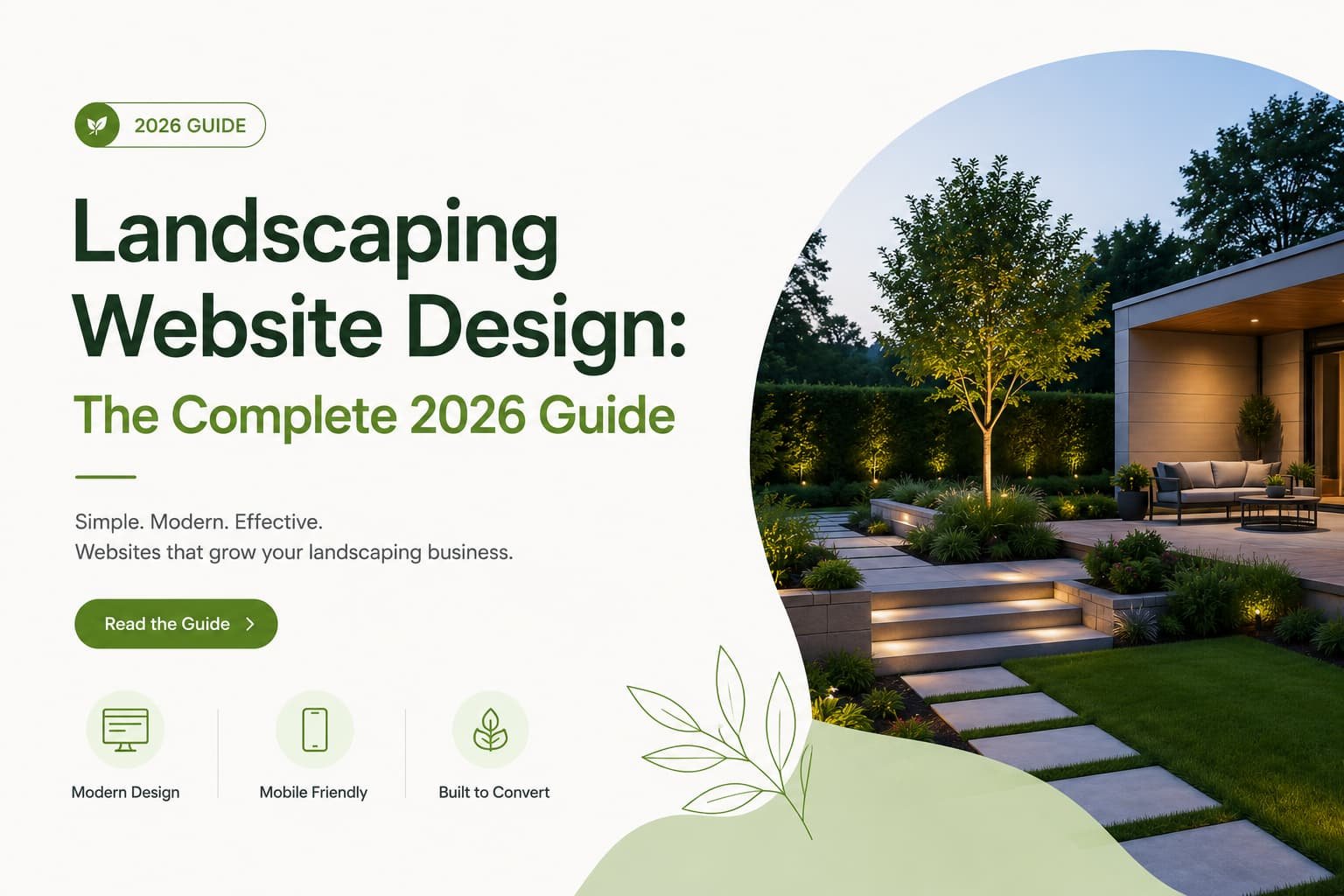
Landscaping is one of the most visual trades there is. You turn bare dirt into patios, fire pits, and lush backyards, and a single great photo of that work sells harder than any paragraph ever could. Which is exactly why your website should be built like a portfolio first and a brochure second.
Here’s the case for that in one line: landscaping companies with a strong project gallery consistently generate more estimate requests than those relying on text-only service descriptions. Most homeowners research landscaping companies online before requesting an estimate, so your site isn’t a formality. It’s your showroom and your best salesperson, working before anyone picks up the phone.
This guide covers how to design one that actually books estimates.
Key Takeaways
- Your portfolio is the sale. Real before-and-after photos convert far better than service copy.
- Match the site to the buyer, design/build vs. maintenance, residential vs. commercial. One muddy message loses both.
- “Get a Free Estimate” is the goal. Make requesting one effortless, everywhere.
- Real photos only. Homeowners, and Google, spot stock and AI images instantly.
- Local SEO gets you found. The portfolio closes the sale.
Why Most Landscaping Sites Don’t Book Estimates
Most landscaping sites fail for the same handful of reasons. The work is hidden, a weak, buried, or missing gallery kills the one thing that sells. They read like brochures, walls of service text where homeowners want to see results. They talk to everyone at once, a luxury hardscape buyer and a weekly-mowing customer need different messages. The quote CTA is buried, and if “Get a Free Estimate” isn’t obvious on every page, ready leads leave. And they’re rough on mobile, where most homeowners actually browse, so a slow gallery loses them on the highest-intent page.
None of these are about talent. They’re about a site that gets in the way of the work instead of showing it off.
Anatomy of a Converting Landscape Site
A site that books estimates has a few essentials working together. A hero that leads with your best work: a striking project photo, a clear headline naming what you do and where, a “Get a Free Estimate” button, and a tap-to-call number in the header. A prominent portfolio, more on this next, since it’s the heart of the site. Dedicated service pages, one per service (lawn care, hardscaping, irrigation, landscape design, outdoor lighting, seasonal cleanup), each with what’s included, your process, and links to matching projects. Service-area clarity, the cities and neighborhoods you cover, named plainly. Reviews, visible, a Google reviews scroller or testimonials near your CTAs. A short estimate form: name, phone, email, and a quick project description, with the option to upload a photo, since that tells you more about scope than any text box. And fast, mobile-first everything, especially the gallery.
The rule of thumb: someone ready to request a quote should never have to hunt for the form.
Portfolio Structure That Sells
This is where the sale is won, so it’s worth doing right. A great landscaping portfolio does three things.
It leads with before-and-afters. The before shot is relatable (“that’s my sad backyard”), the after is aspirational (“that could be mine”). Together they’re one of the most persuasive formats in the trade, proof and dream in one scroll.
It organizes by type, not chaos. Group projects so a visitor can find their vision fast, patios and hardscaping, full landscape design, outdoor living, gardens, commercial grounds. A homeowner picturing a paver patio shouldn’t have to scroll past twenty lawn-mowing shots.
And it gives each project context. Don’t just drop a photo. A line or two on the materials, the scope, and the timeline turns “that looks nice” into “I want that,” and it builds real trust for bigger investments. For design/build work, show the process: a sketch or 3D rendering next to the finished install, so clients see you create cohesive spaces, not just plant shrubs.
Two non-negotiables here: the gallery has to load fast and swipe smoothly on a phone, since a slow gallery actively kills conversion on your best page, and the photos have to be real. Homeowners and Google both spot stock and AI images on sight, and they quietly destroy trust. Refresh the portfolio at least yearly and add standout projects each season.
Service-Area and Audience Strategy
Landscaping isn’t one business, it’s several, and the best sites don’t blur them.
Design/build vs. maintenance customers want different things. A homeowner planning a major backyard transformation needs inspiration, portfolio depth, and reassurance. A customer wanting weekly maintenance needs reliability and an easy “get on the schedule.” Give each a clear path from the homepage instead of forcing both through one generic funnel.
Residential vs. commercial customers want different things too. Commercial clients, property managers and HOAs, respond to case-study-style pages: contract scope, acreage, services provided, length of relationship, plus a “Request a Proposal” CTA and a vendor packet. If you serve both, give commercial its own clearly signposted section.
Service-area pages round it out. Name the cities and neighborhoods you cover, ideally with a dedicated page each showing local projects. It qualifies leads, no wasted estimates on out-of-range homes, and strengthens local search at the same time.
Local SEO Essentials
A beautiful site nobody finds can’t book jobs. The fundamentals that get you seen: an optimized Google Business Profile, complete, with recent project photos, since homeowners who find you in the map results click through to judge your work before calling, so a strong profile feeds a strong site. Reviews on Google and your site, the stars win the click, the testimonials close it. Service-area and city pages so you rank for “landscaping in [city]” and “landscaper near me.” And seasonal content, spring lawn prep, fall cleanup, winter prep, which captures search traffic year-round and shows expertise. A few strong evergreen posts beat an abandoned blog.
Cost and Timeline
Two questions every owner asks.
What does a landscaping website cost? It ranges by route. DIY builders run roughly $15 to $40 a month. Freelancers land around $1,000 to $5,000. A professional agency build typically runs $3,000 to $10,000 or more, higher for a large, content-rich site with extensive galleries and commercial case studies. The biggest cost driver is scope, number of pages, service-area pages, and how much custom photography and copywriting are included.
How long does it take? A simple five to seven page template site takes about two to four weeks. A custom, content-rich build with many service pages and case studies runs eight to twelve weeks. The usual bottleneck is gathering photos and content, so start those early.
One tip that pays for itself: show “starting at” price ranges for design/build work. Exact pricing is custom, but ranges filter out poor-fit leads and build trust with serious buyers.
A quick worked example:
[NEEDS REAL DATA: this section should walk through an actual client redesign and result, with the client’s permission, once real before-and-after traffic and conversion numbers are available. Don’t publish placeholder or invented figures here.]
12 Mistakes That Cost You Estimates
- Stock or AI photos instead of your real work, an instant trust-killer.
- A weak or buried portfolio, hiding your strongest asset.
- No before-and-afters, so you lose the most persuasive format there is.
- Text-heavy service pages with no project images.
- One muddy message for design/build and maintenance customers alike.
- A buried or missing quote CTA, when it belongs on every page.
- A long estimate form asking for address, budget, and timeline upfront.
- A slow gallery that crawls or stutters on mobile.
- No service-area details, wasting time on out-of-range leads.
- An outdated portfolio that signals an inactive business.
- A hidden phone number, when many ready buyers prefer to call.
- Ignoring local SEO, so the site never gets found in the first place.